
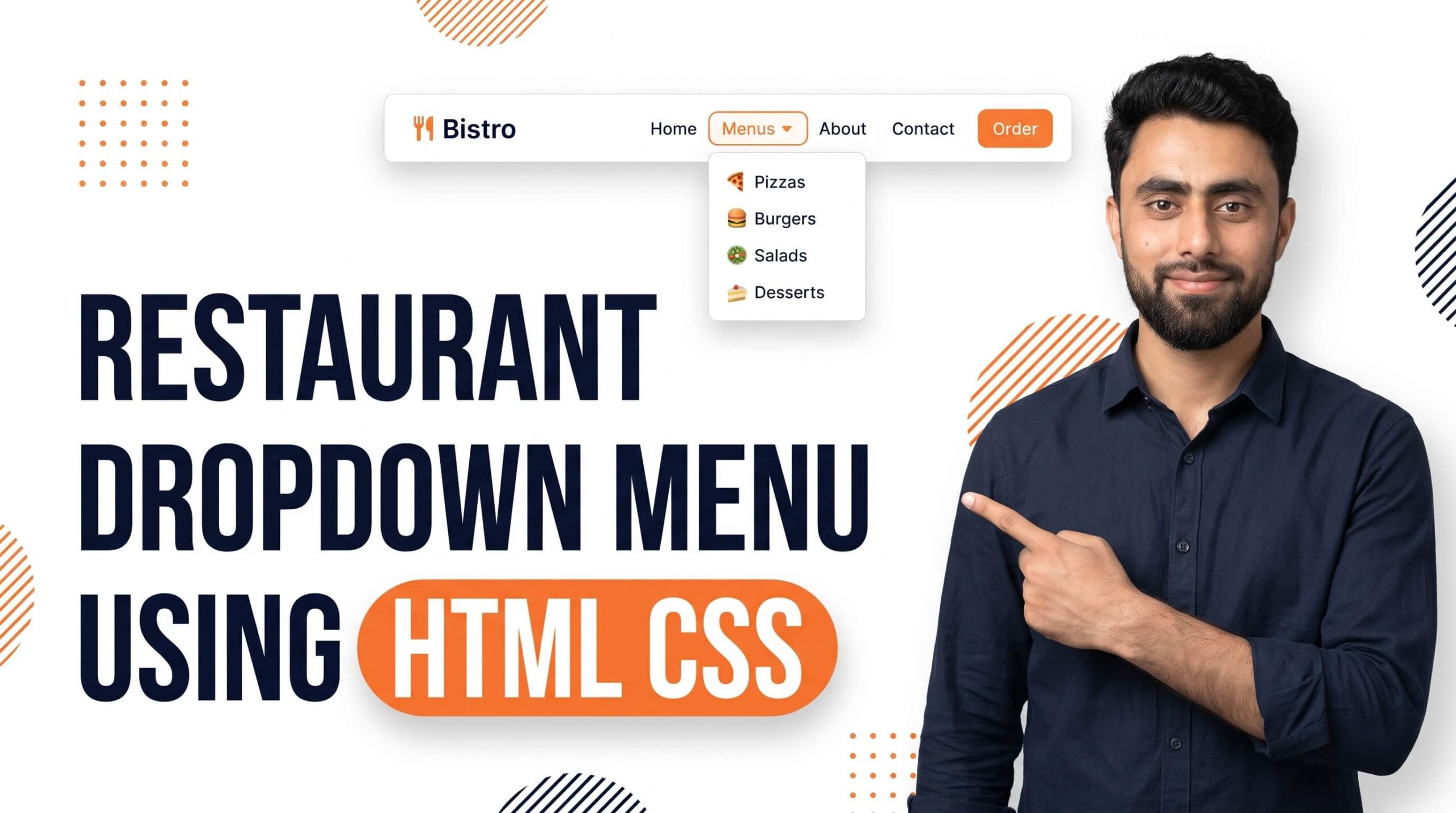
Here is how to create Resturant Dropdown Menu using HTML CSS
Get the code of Resturant Dropdown Menu using HTML CSS #coding #htmltutorial #csstutorial and watch video tutorials. You can practice using our code editor. Our practical guide will make your learning journey much easier. You can explore the tutorial and learn.
<h1>Resturant Menu</h1>
<select>
  <option>Cheesa</option>
  <option selected>Chowmin</option>
  <option>Pizza</option>
  <option >Chicken</option>
</select>
h1 {
background: yellow;
font-size: 18px;
text-align: center;
}
select {
width: 100%;
background: lightblue;
border-radius: 5px;
padding: 5px;
border: none;
}level up your coding by checking this article tutorial too: How to create 3d collections slider section in shopify store?
Restaurant Dropdown Menu Using HTML and CSS
A restaurant dropdown menu is a useful web design element that helps visitors explore different food categories and navigate a restaurant website more easily. Whether you are building a website for a café, a fast-food restaurant, or a fine-dining business, a well-designed dropdown menu can make the browsing experience smoother and more professional.
HTML and CSS provide the basic tools needed to create an attractive dropdown menu. HTML organizes the menu items and links, while CSS controls their appearance, spacing, colors, and interactive effects. With a thoughtful design, you can create a menu that fits your restaurant’s branding and helps customers find the information they need.
What Is a Restaurant Dropdown Menu?
A restaurant dropdown menu is a navigation element that displays additional options when a visitor interacts with a main menu item. For example, a restaurant website might include a main heading called “Menu” with additional categories such as Breakfast, Lunch, Dinner, Desserts, and Drinks.
Instead of displaying every category at once, the dropdown keeps the navigation area organized and allows visitors to explore the available options when needed.
This feature is especially helpful for restaurant websites with several food categories, multiple dining services, or separate pages for menus, reservations, and special offers.
Why Use HTML and CSS for a Dropdown Menu?
HTML provides the structure of the dropdown menu, including the main navigation items and their related links. CSS is responsible for the visual presentation and interactive behavior, such as displaying additional options, changing background colors, and creating smooth transitions.
One advantage of using HTML and CSS is that you can customize the menu to match your website without necessarily depending on additional libraries. You can choose different fonts, background colors, border styles, and spacing to create a design that complements your restaurant’s identity.
For example, a modern restaurant might use a clean white background with dark text, while a traditional restaurant could choose warm colors and elegant typography.
Important Features of a Good Restaurant Dropdown Menu
A professional dropdown menu should be easy to understand and comfortable to use. The following features can help improve its design.
Clear categories: Organize food items into meaningful groups, such as appetizers, main courses, desserts, and beverages.
Simple navigation: Use short, descriptive labels so visitors can quickly identify the information they want.
Attractive hover effects: Subtle color changes or smooth transitions can make menu items feel interactive without distracting visitors.
Consistent styling: Keep the fonts, colors, spacing, and visual effects consistent with the rest of your website.
Responsive design: Make sure the menu works well on desktop computers, tablets, and smartphones. Touchscreen visitors should not have to rely on hover effects to access important links.
How to Design a Restaurant Dropdown Menu
When planning your dropdown menu, start by deciding which categories your restaurant needs. A small café may only require a few options, while a large restaurant might need separate categories for food, drinks, reservations, and catering.
Place the main navigation in a clear location, usually within the website header. Make sure the dropdown appears close to its parent menu item and remains easy to navigate.
Choose a suitable color scheme that matches your restaurant’s branding. Food-related websites often benefit from warm, inviting colors, but the most important consideration is readability. Maintain sufficient contrast between the text and background.
You can also use subtle hover effects to highlight active menu items. However, avoid excessive animation or complicated layouts that make the navigation difficult to understand.
Common Mistakes to Avoid
One common mistake is including too many options in a single dropdown. A long list can overwhelm visitors and make important pages difficult to find. Group related links into clear categories instead.
Another mistake is designing the menu only for desktop users. Hover interactions may work well with a mouse but can be inconvenient on touchscreen devices. Make sure visitors can access the same information on mobile screens.
Poor color contrast, inconsistent spacing, and unclear labels can also reduce usability. Test the menu in different browsers and screen sizes to ensure it behaves as expected.
Finally, make sure every menu item leads to the correct page. A dropdown should improve navigation, not create extra steps or confusing links.
Conclusion
Creating a restaurant dropdown menu using HTML and CSS is a useful project for anyone learning web development. It combines basic page structure with styling and interactive design to create a navigation system that is both attractive and practical.
By organizing categories carefully, choosing readable colors, adding subtle hover effects, and considering mobile users, you can build a professional dropdown menu that improves the overall experience of your restaurant website. Whether you are creating a simple café page or a complete restaurant website, a well-designed dropdown menu can help visitors find what they need quickly and easily.