Skip to content
Mr Digitals
  • Home
  • Shop
  • HTML
  • Code Editor
  • 0
  • Toggle website search
0
Type then hit enter to search
  • Home
  • Shop
  • HTML
  • Code Editor

Shopify

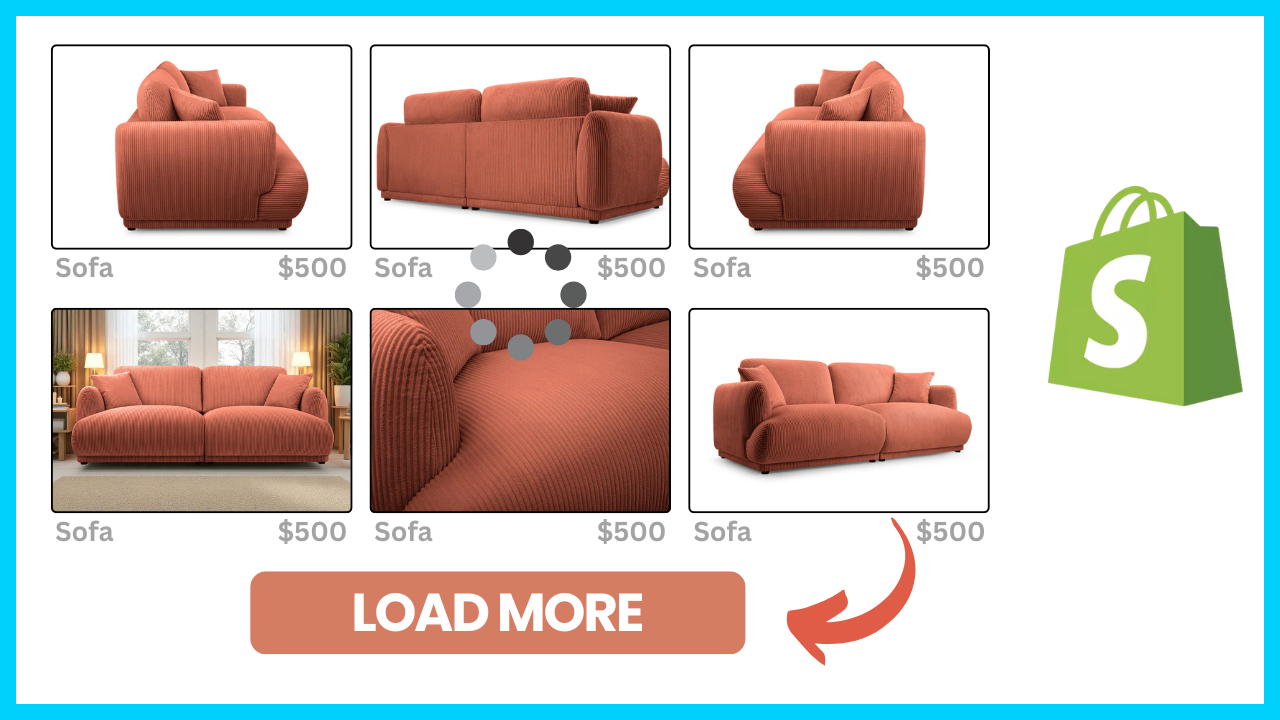
Read more about the article How to Add a “Load More” Button on Shopify Collection Page (Instead of Number Pagination)

How to Add a “Load More” Button on Shopify Collection Page (Instead of Number Pagination)

  • Post category:Shopify

A modern alternative is the “Load More” button, which allows shoppers to see more products on the same page without reloading. It’s clean, fast, and enhances user experience — exactly…

Continue ReadingHow to Add a “Load More” Button on Shopify Collection Page (Instead of Number Pagination)
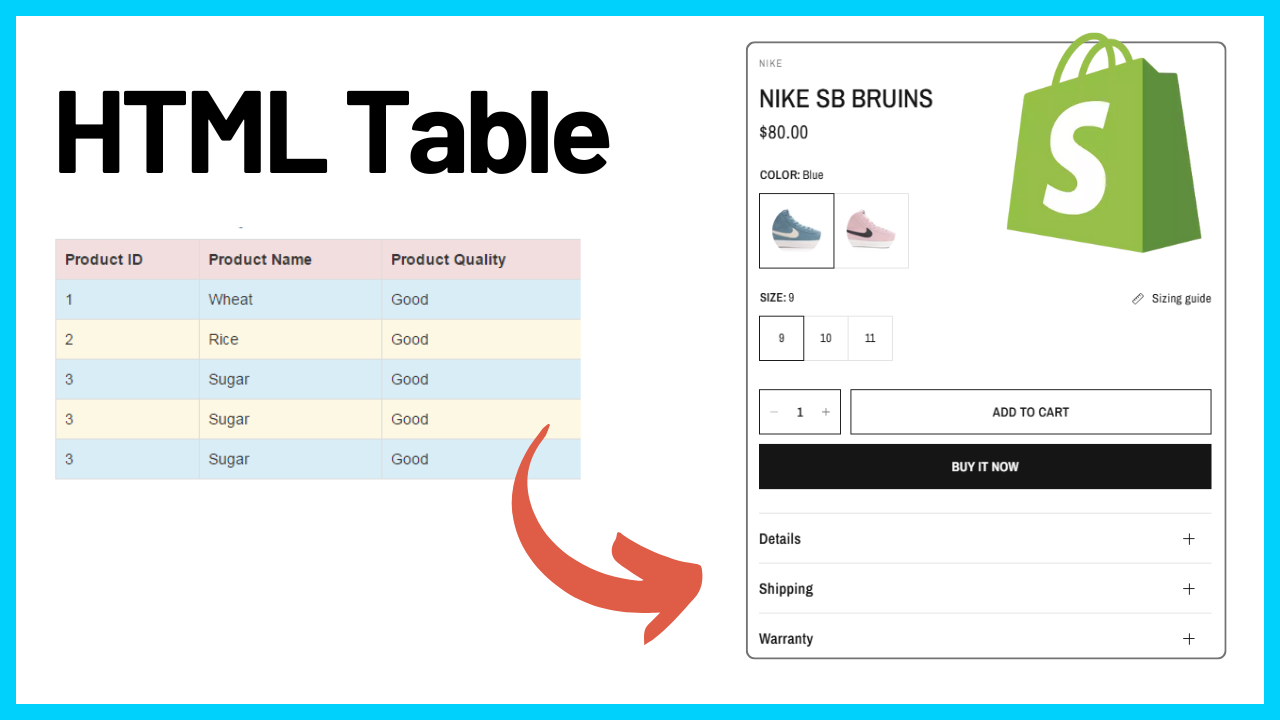
Read more about the article How to Display HTML Tables in Shopify Product Pages (Easy Tutorial)

How to Display HTML Tables in Shopify Product Pages (Easy Tutorial)

  • Post category:Shopify

<style> table.custom-product-table { border-collapse: collapse; width: 100%; } table.custom-product-table th, table.custom-product-table td { border: 1px solid black; padding: 8px; text-align: left; } table.custom-product-table th { font-weight: bold; } </style> <table…

Continue ReadingHow to Display HTML Tables in Shopify Product Pages (Easy Tutorial)

How to add Collection in circular carousel slider Shopify

  • Post category:Shopify

https://youtu.be/btkve_UkTXI {%- style -%} .section-{{ section.id }}-padding { padding-top: {{ section.settings.padding_top | times: 0.75 | round: 0 }}px; padding-bottom: {{ section.settings.padding_bottom | times: 0.75 | round: 0 }}px; } @media…

Continue ReadingHow to add Collection in circular carousel slider Shopify

Shopify Progress Bar on Cart Drawer and Cart Page | Without App [FREE]

  • Post category:Shopify

1. Create new snippet 'progress-bar' and paste attached code. <style> .custom-progress-bar { text-align: center; transition: all 1000ms linear; height: 93px; } .custom-progress-bar.cart-shipping__wrapper { padding: 15px; max-width: 700px; width: 90%; margin:…

Continue ReadingShopify Progress Bar on Cart Drawer and Cart Page | Without App [FREE]

How to add Video Slider in Shopify (All Free Themes) without App

  • Post category:Shopify

https://youtu.be/5x1e_yssW0U 1. Create new section 'video-slider' and paste attached code. {%- style -%} .section-{{ section.id }}-padding { padding-top: {{ section.settings.padding_top }}px; padding-bottom: {{ section.settings.padding_bottom }}px; } .video-slider .testimonial__image { height:…

Continue ReadingHow to add Video Slider in Shopify (All Free Themes) without App

How to Make Transparent Header in Shopify

  • Post category:Shopify

1. Go to Edit code -> header.liquid and paste below code at the top: {% if template.name == 'index' %} <style> .header-wrapper { position: absolute; width: 100%; background: transparent; color:…

Continue ReadingHow to Make Transparent Header in Shopify

How To Add Before And After Slider Section in Shopify?

  • Post category:Shopify

1. Create a new section before-after and paste below code. {% assign unique_id = 'ba_slider_' | append: section.id %} <main class="ba_main {{ unique_id }}"> <div class="container before_after"> <div class="image-container"> <div…

Continue ReadingHow To Add Before And After Slider Section in Shopify?

How to Make a Header Transparent In Shopify (Free Themes)

  • Post category:Shopify

{% if template.name == 'index' %} <style> .header-wrapper { position: absolute; width: 100%; background: transparent; color: white; } .header-wrapper .list-menu span, details[open]>.header__menu-item, .header-wrapper summary svg, .header-wrapper a svg, .header-wrapper h1.header__heading…

Continue ReadingHow to Make a Header Transparent In Shopify (Free Themes)

How To Add Color Swatches in Shopify [Dawn 15.1.0]

  • Post category:Shopify

https://youtu.be/KGTFXTp7EpM 1. Open settings_schema.json { "name": "Color Swatches Custom", "settings": [ { "type": "paragraph", "content": "Support AmazingLearning [Subscribing our Channel](https:\/\/youtube.com\/@amazinglearnings?sub_confirmation=1)" }, { "type": "text", "id": "optionName", "label": "Swatch option name",…

Continue ReadingHow To Add Color Swatches in Shopify [Dawn 15.1.0]

How to add Pay in 3 interest-free payments Popup in Shopify Store

  • Post category:paypal/Shopify

Enable Pay Later messaging on your website. Customize and preview Pay Later messaging. In your shopify store you can add the code with customization to show popup where customers can…

Continue ReadingHow to add Pay in 3 interest-free payments Popup in Shopify Store
  • 1
  • 2
  • 3
  • 4
  • …
  • 7
  • Go to the next page

Main Menu

  • Home
  • Shop
  • HTML
  • Code Editor

Quick Links

  • Blog
  • About
  • Contact Us

Contact Info

  • Company:ShopWebsiteCodes
  • Address:Rajouri Jammu and Kashmir, India, 185133
  • Phone:+91-9145985880
  • GSTIN:01CJDPR9305K1Z5
  • Email:info@mrdigitals.comOpens in your application
  • Opens in a new tab
  • Opens in a new tab
  • Opens in a new tab
  • Blog
  • About
  • Contact Us
Copyright © 2026 ShopWebsiteCodes
×

Cart