
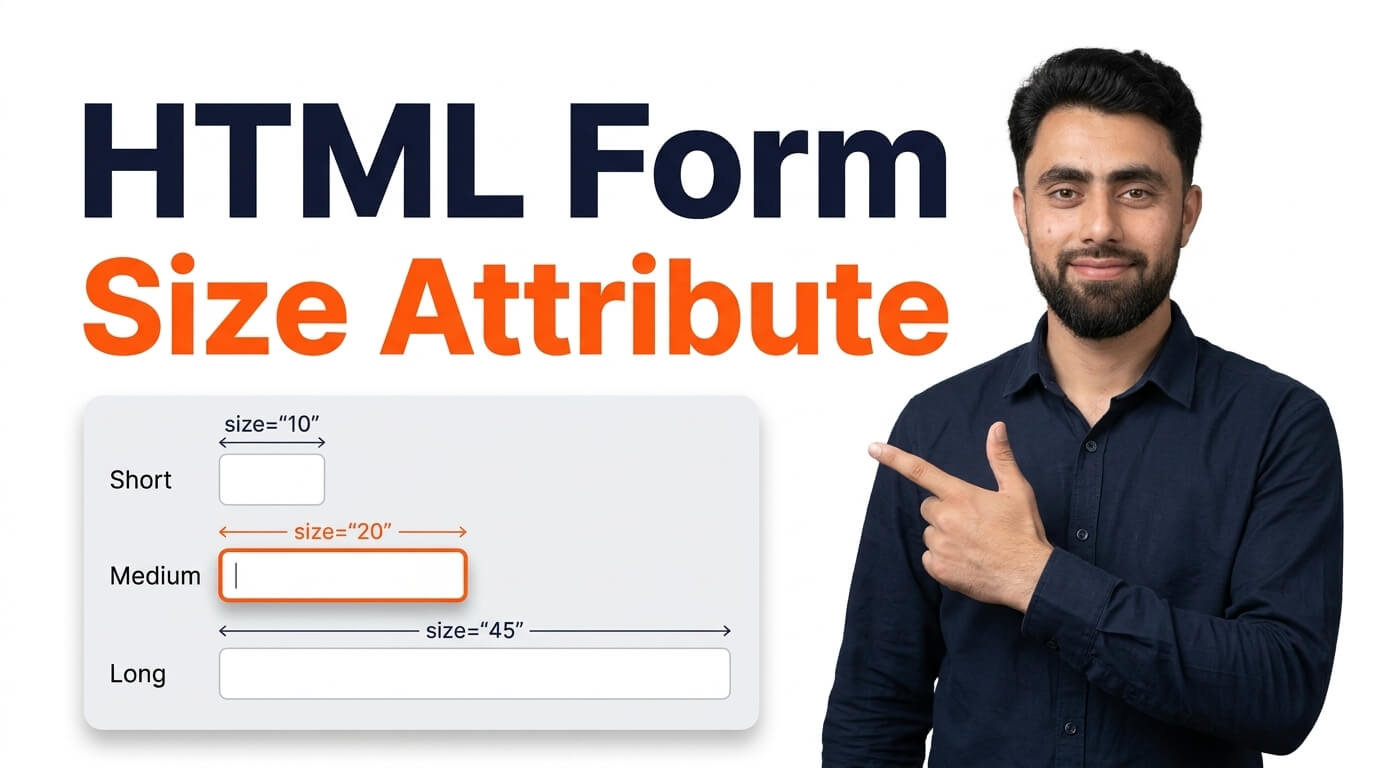
Get the code of HTML form size attribute and watch video tutorials. You can practice using our code editor. Our practical guide will make your learning journey much easier. You can explore the tutorial and learn.
Name: <input type="text" size="12">
<br><br>
Country: <input type="text" size="11">
<br><br>
<input type="submit">HTML Form Size Attribute | How to Set Input Field Size in HTML with Examples
Want to control the visible width of an HTML input field? In this tutorial, you’ll learn how to use the HTML size attribute to specify how many characters an input field should display.
The size attribute is a useful HTML feature that allows you to control the visible width of certain input fields. It determines approximately how many characters can fit inside the input field at once. This makes it easier to adjust the appearance of form fields based on the type of information users need to enter.
For example, you can use the size attribute to make a text input wider for longer information or narrower for shorter entries. It is commonly used with input types such as text, search, tel, url, and email.
In this step-by-step tutorial, I’ll show you how to add the size attribute to HTML input elements, change the visible width of input fields, and understand how different size values affect their appearance with practical examples.
You’ll also learn the difference between the size attribute and the CSS width property, when to use each one, and how to create more consistent and responsive HTML forms.
Whether you’re a beginner learning HTML or improving your frontend development skills, understanding the size attribute will help you customize form input fields more effectively.
Watch the tutorial and follow along to learn how the HTML size attribute works with simple, practical examples!
Ready to become a better coder? Don’t miss this tutorial! Animation Direction in CSS