
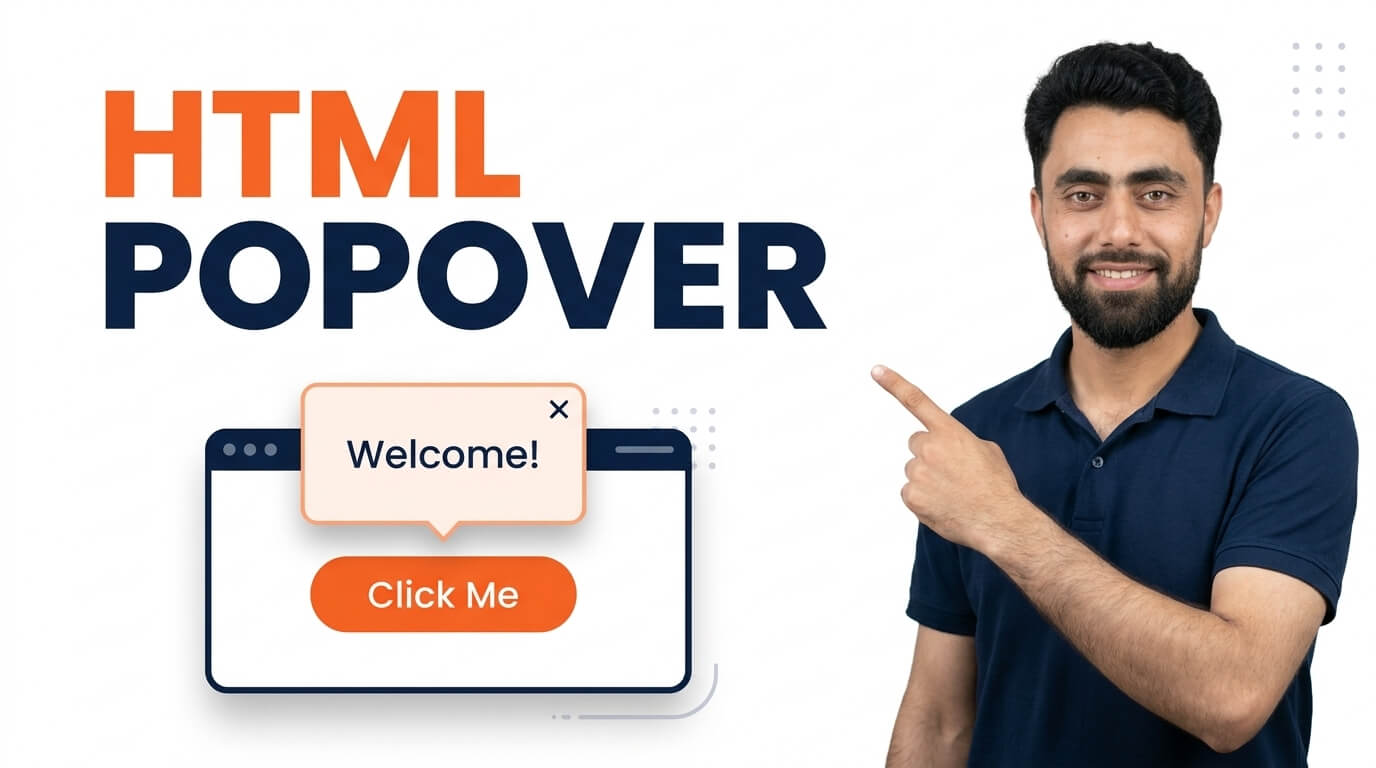
Get the code of HTML popover and watch video tutorials. You can practice using our code editor. Our practical guide will make your learning journey much easier. You can explore the tutorial and learn.
<button popovertarget="popover">
Open Popover
</button>

<div popover id="popover">
Happiness of the day!!!
</div>HTML Popover | How to Create a Popover in HTML with Examples
Want to display additional information when users interact with an element on your webpage? In this tutorial, you’ll learn how to create a popover in HTML using the built-in Popover API without relying on JavaScript libraries or external plugins.
The HTML Popover API is a useful feature that allows you to display extra content in a floating element above the page. You can use popovers to show helpful messages, additional details, navigation menus, product information, or interactive content without taking up permanent space on your webpage.
One of the best things about the HTML Popover API is that you can create a basic popover using simple HTML attributes. The popover attribute makes an element a popover, while the popovertarget attribute connects a button to the popover it controls.
In this step-by-step tutorial, I’ll show you how to create a popover in HTML, open and close it using buttons, customize its appearance with CSS, and explore different popover behaviors with practical examples.
You’ll also learn the difference between popover="auto" and popover="manual", how to use the popovertargetaction attribute, and how to make your popovers look more attractive and user-friendly.
Whether you’re a beginner learning HTML or improving your frontend development skills, understanding the Popover API will help you create modern and interactive web interfaces with less code.
Watch the tutorial and follow along to learn how to create HTML popovers with simple, practical examples!
Ready to become a better coder? Don’t miss this tutorial! Animation Direction in CSS