
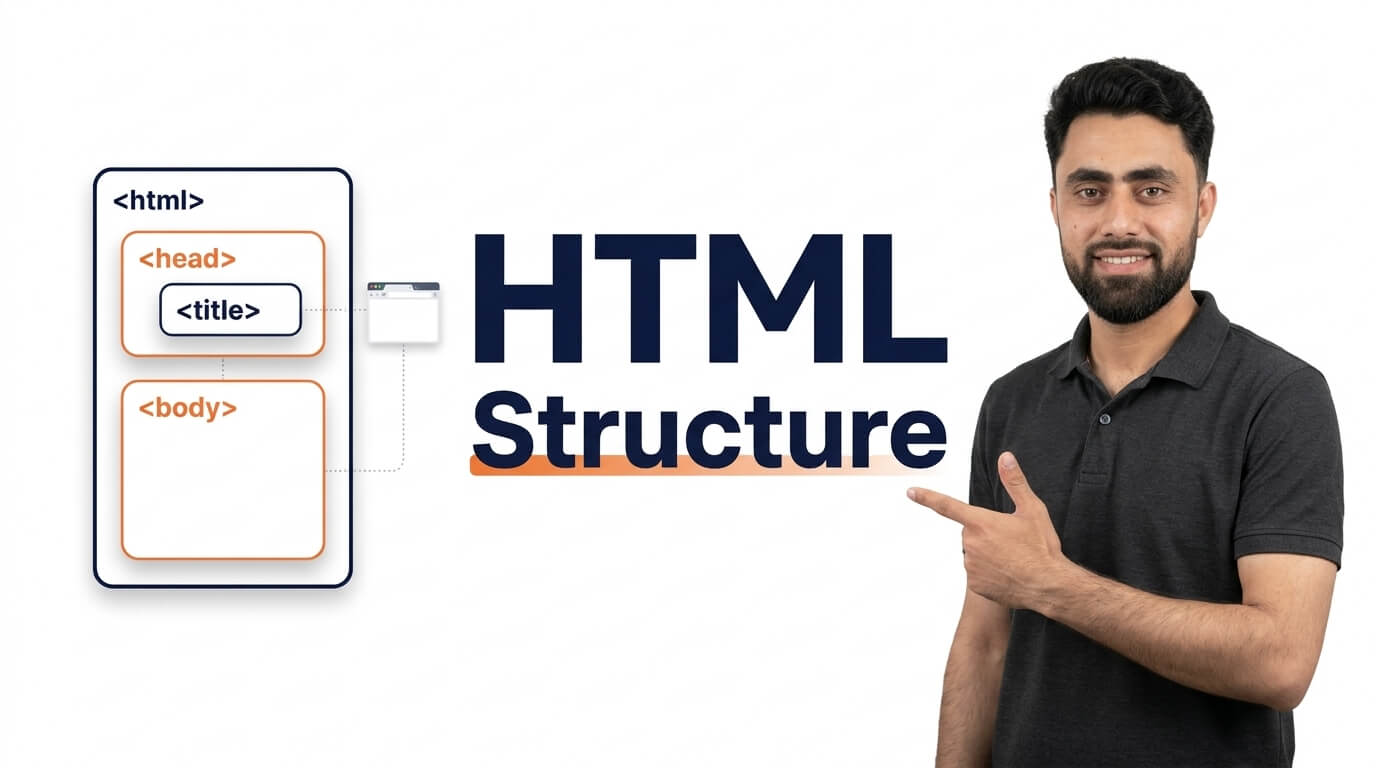
Get the code of HTML structure and watch video tutorials. You can practice using our code editor. Our practical guide will make your learning journey much easier. You can explore the tutorial and learn.
<!doctype html>
<html>

<head>
  <title>Title of document</title>
</head>

<body>
Content of document...
</body>

</html>HTML Structure | Basic HTML Document Structure Explained for Beginners
Want to understand how an HTML document is structured? In this tutorial, you’ll learn the basic structure of an HTML page and understand the purpose of each essential HTML element.
HTML structure is the foundation of every webpage. It provides a clear organization for your content and tells web browsers how to interpret and display different parts of a website. Before learning advanced HTML tags or building complete websites, it’s important to understand how a basic HTML document is created.
A standard HTML document starts with the <!DOCTYPE html> declaration, which tells the browser to use HTML5. It also includes the <html>, <head>, and <body> elements, each serving a different purpose.
The <head> element contains important information about the webpage, such as its title, character encoding, metadata, and links to external CSS files. The <body> element contains the visible content that visitors see on the webpage, including headings, paragraphs, images, links, and other HTML elements.
In this step-by-step tutorial, I’ll show you how to create a basic HTML document from scratch and explain each part of its structure with simple examples. You’ll also learn how to properly organize HTML elements and write clean, readable code.
Whether you’re completely new to web development or refreshing your HTML fundamentals, understanding HTML structure is an essential first step toward building professional websites.
Watch the tutorial and follow along to create your first properly structured HTML document!
Ready to become a better coder? Don’t miss this tutorial! Animation Direction in CSS