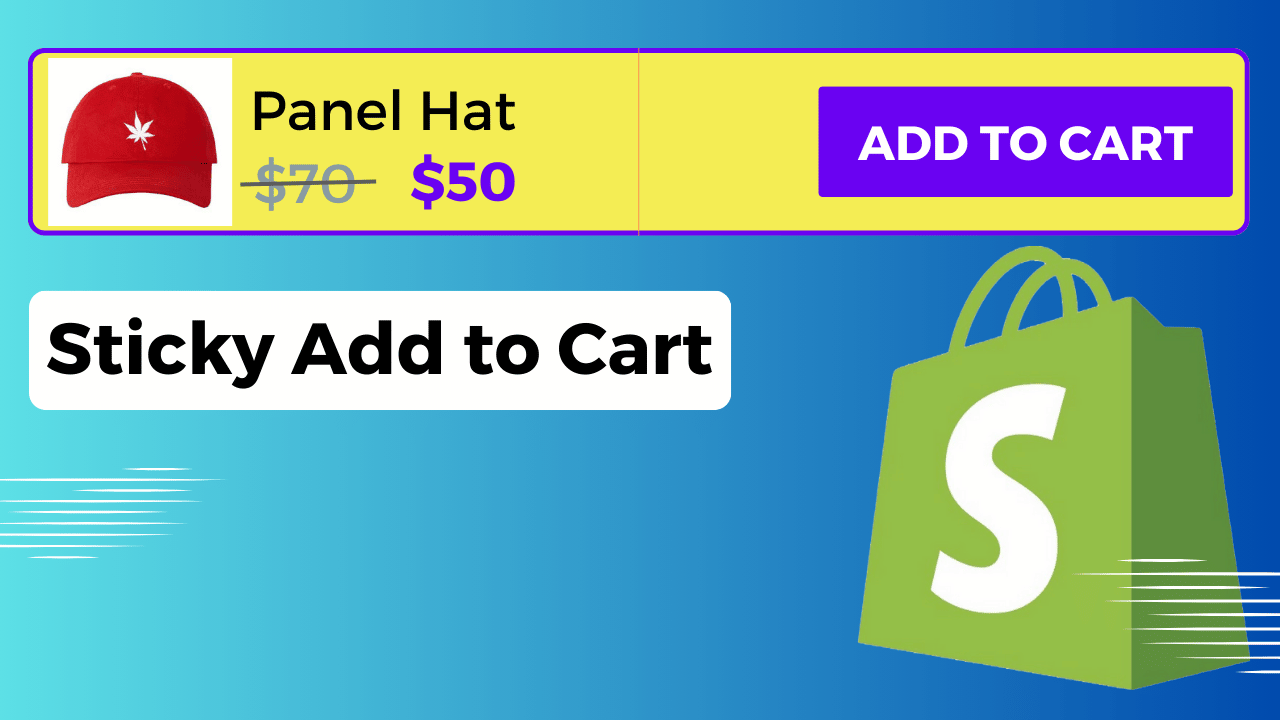
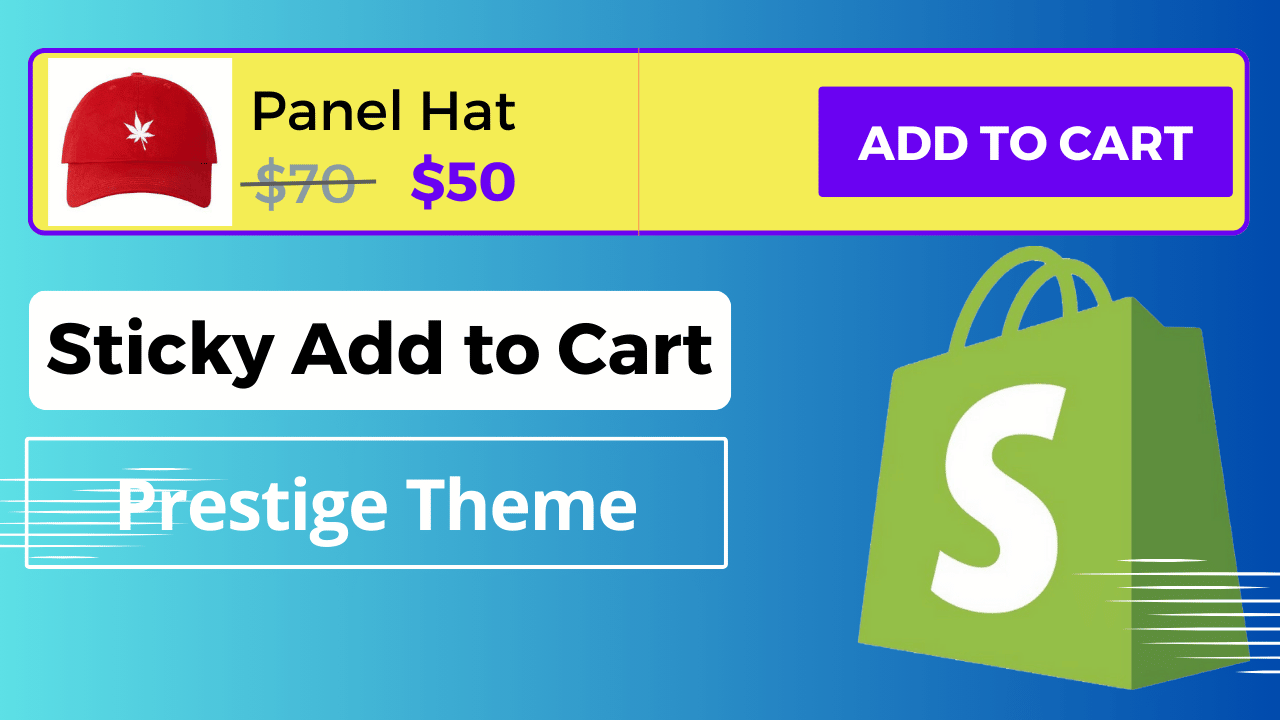
Sale! How to Create a Sticky Add to Cart Button On Scroll Prestige Theme Shopify $45.00 Original price was: $45.00.$10.00Current price is: $10.00. How to Create a Sticky Add to Cart Button On Scroll Prestige Theme Shopify quantity Add to cart Category: prestige Tags: prestige theme, scroll, Shopify, sticky add to cart button Description Reviews (0) Description Reviews There are no reviews yet. Be the first to review “How to Create a Sticky Add to Cart Button On Scroll Prestige Theme Shopify” Cancel replyYour email address will not be published. Required fields are marked *Your rating * Rate… Perfect Good Average Not that bad Very poor Your review *Name * Email * Save my name, email, and website in this browser for the next time I comment. Δ Related products Products By Color Variants – Prestige Theme $35.00 Add to cart Products by Color Variants – Impact Theme Shopify $35.00 Add to cart How to Add Sliding Announcement Bar in Shopify Store ? Text Carousel $7.00 Add to cart Products by Color Variants – Creative Theme Shopify $35.00 Add to cart Shopify Advanced Sliding Announcement Bar With Countdown Timer | Without App | Any Theme $11.99 Add to cart Sale! Dawn Theme – How to Add Sliding Announcement Bar in Shopify Store ? Text Carousel $25.00 Original price was: $25.00.$10.00Current price is: $10.00. Add to cart Sticky Add to Cart Button Shopify Store $11.99 Add to cart How Do I Get A Sliding Announcement Bar? (Without App) Prestige Theme $9.99 Add to cart
Reviews
There are no reviews yet.