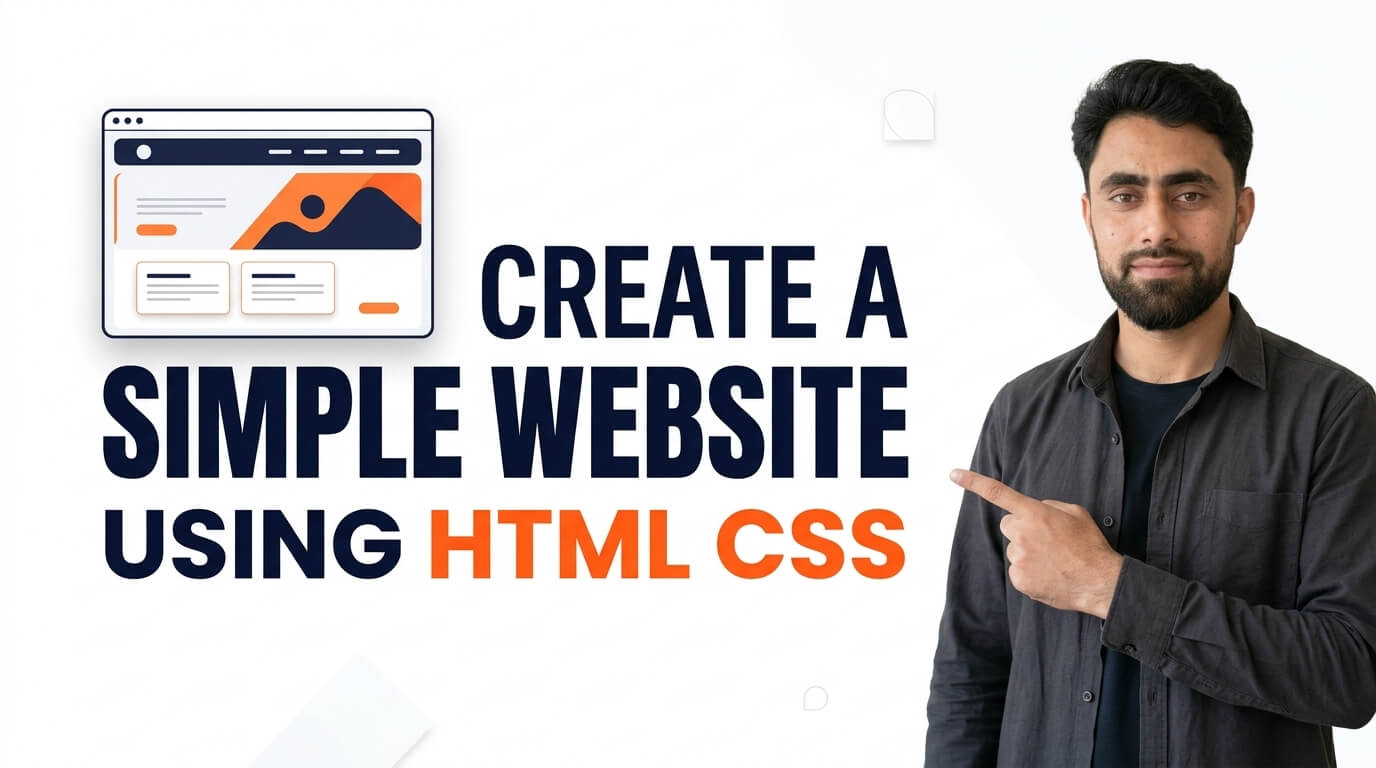
How to Create a Simple Website Using HTML CSS
Get the code of Create a Simple Website Using HTML CSS and watch video tutorials. You can practice using our code editor. Our practical guide will make your learning journey much easier. You can explore the tutorial and learn.
<h1>My Website</h1>
<p>Lorem ipsum odor amet, consectetuer adipiscing elit. Ridiculus sit nisl laoreet facilisis aliquet. Potenti dignissim litora eget montes rhoncus sapien neque urna. Cursus libero sapien integer magnis ligula lobortis quam ut.Lorem ipsum odor amet, consectetuer adipiscing elit. Ridiculus sit nisl laoreet facilisis aliquet. Potenti dignissim litora eget montes rhoncus sapien neque urna. Cursus libero sapien integer magnis ligula lobortis quam ut.</p>
<h4>Footer</h4>
h1, h4 {
text-align: center;
background: black;
color: white;
padding: 5px;
}
p {
background: lightblue;
padding: 10px;
}Create a Simple Website Using HTML and CSS
Creating a simple website using HTML and CSS is an excellent starting point for anyone who wants to learn web development. These two technologies work together to build the structure and appearance of a webpage, allowing beginners to create attractive websites without needing complicated tools or advanced programming knowledge.
Whether you want to build a personal portfolio, a small business website, or a simple homepage for a blog, understanding HTML and CSS will help you turn your ideas into a working design.
What Are HTML and CSS?
HTML stands for HyperText Markup Language. It defines the structure of a website by organizing content into headings, paragraphs, images, links, buttons, and other elements.
CSS stands for Cascading Style Sheets. It controls how those elements appear on the screen, including their colors, fonts, spacing, borders, alignment, and layout.
Think of HTML as the foundation of a house and CSS as its interior and exterior design. HTML organizes the content, while CSS makes the website visually appealing and easier to use.
Essential Elements of a Simple Website
A basic website usually contains a few important sections that help visitors understand its purpose and navigate its content.
Header: The header appears at the top of the page and commonly contains the website name, logo, and navigation links.
Hero section: This is the main introductory area of the homepage. It often includes a clear headline, a short description, and a button that guides visitors toward an important action.
About section: This area introduces the website, business, or person behind the project and explains what visitors can expect.
Services or features: A business website might describe its services, while a portfolio could highlight skills, projects, or achievements.
Footer: The footer appears at the bottom of the page and may include contact details, useful links, and copyright information.
You do not need every section for a small project. Choose the elements that best support the website’s purpose.
How HTML and CSS Work Together
HTML creates the content and defines its meaning. CSS then styles that content and determines how it is displayed.
For example, HTML can define a heading for the homepage, while CSS can make the heading larger, change its color, and add spacing around it. Similarly, HTML creates navigation links, and CSS can arrange them horizontally and provide hover effects.
Developers can also use CSS Flexbox and Grid to organize page sections. These layout systems make it easier to create structured designs without relying on complicated positioning techniques.
Keeping HTML responsible for content and CSS responsible for presentation also makes a project easier to understand and maintain.
Tips for Designing an Attractive Website
Start with a clear purpose. Visitors should quickly understand what your website offers and where they should go next. A simple headline and a short, meaningful description can communicate your message effectively.
Choose a consistent color palette and use readable fonts. Too many colors, font styles, or decorative effects can make a website look disorganized. A clean design with sufficient spacing often feels more professional.
Navigation is equally important. Use descriptive link names and organize pages logically so visitors can find information without unnecessary effort.
Images can make a website more engaging, but they should be relevant and optimized for faster loading. Use appropriate alternative text for meaningful images to improve accessibility.
Finally, consider responsive design from the beginning. Your website should adapt to desktops, tablets, and mobile phones without forcing users to zoom in or scroll horizontally.
Common Mistakes Beginners Should Avoid
One common mistake is focusing only on appearance while ignoring usability. A beautiful website is not effective if visitors cannot find important information or understand how to use its controls.
Another mistake is placing all the content into one crowded section. Breaking the page into clear sections improves readability and makes the layout easier to navigate.
Beginners should also avoid using fixed dimensions everywhere. Flexible layouts, responsive images, and suitable media queries help a website work on different screen sizes.
It is important to test links, buttons, and navigation elements before publishing the site. Check the page in different browsers and make sure text remains readable and interactive elements work as expected.
Can You Build a Website Without JavaScript?
Yes. HTML and CSS are enough to create many static websites, including portfolios, informational pages, landing pages, and basic business homepages.
However, some features require additional functionality. For example, processing contact form submissions, authenticating users, saving information, or updating content dynamically usually requires JavaScript, a server-side application, or an external service.
Understanding this distinction helps you choose the right tools as your project grows.
Conclusion
Creating a simple website using HTML and CSS is a practical way to develop essential web design skills. HTML provides the structure, while CSS controls the appearance, layout, and visual details.
By starting with a clear page structure, choosing consistent styles, and testing the design across different devices, you can create a website that looks professional and works well for visitors. As you gain experience, you can gradually add more sections, improve responsiveness, and explore advanced web development techniques.
Ready to become a better coder? Don’t miss this tutorial! Create a Basic HTML CSS Website Home Page