
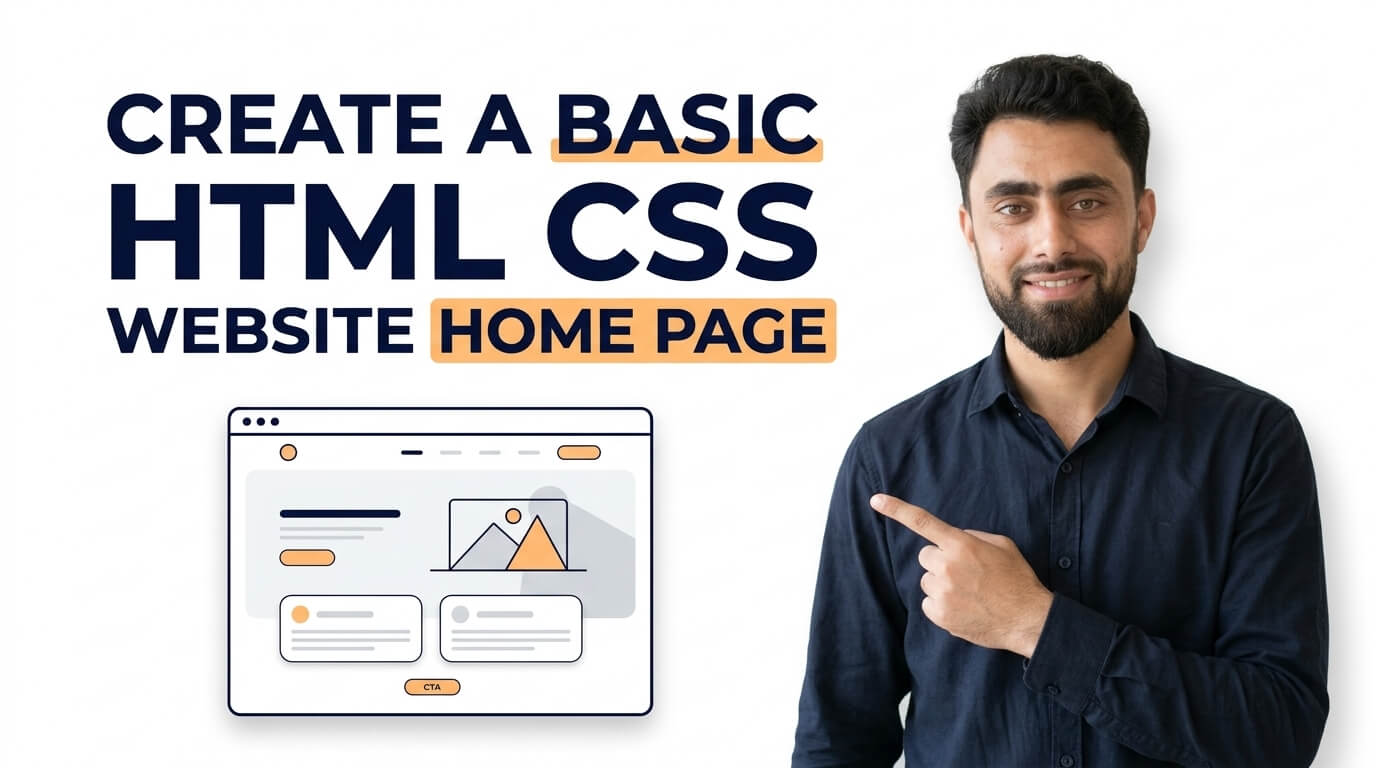
Here is a god tutrial of how to Create a Basic HTML CSS Website Home Page
Get the code of Create a Basic HTML CSS Website Home Page and watch video tutorials. You can practice using our code editor. Our practical guide will make your learning journey much easier. You can explore the tutorial and learn.
<div class="container">
  <h1>My Header</h1>
  <div class="section">
    <div class="sidebar">Sidebar</div>
    <div class="content">Lorem ipsum odor amet, consectetuer adipiscing elit. Ridiculus sit nisl laoreet facilisis aliquet. Potenti dignissim litora eget montes rhoncus sapien neque urna. Cursus libero sapien integer magnis ligula lobortis quam ut.</div>
  </div>
  <div class="footer">Footer</div>
</div>
.container {
padding: 5px;
}
.container .section {
display: flex;
flex-direction: row;
}
h1 {
text-align: center;
border: 3px solid dodgerblue;
padding: 15px 10px;
}
.container .section .sidebar {
border: 3px solid dodgerblue;
text-align: center;
padding: 15px 10px;
}
.container .section .content {
flex-grow: 4;
border: 3px solid dodgerblue;
text-align: left;
padding: 15px 10px;
}
.container .footer {
border: 3px solid dodgerblue;
padding: 15px 10px;
text-align: center;
}Create a Basic HTML CSS Website Home Page
A homepage is often the first thing visitors see when they open a website. It introduces the website, highlights important information, and helps users find what they are looking for. Whether you are creating a personal portfolio, a small business website, or a simple blog, HTML and CSS provide the essential tools to build an attractive homepage.
For beginners, creating a basic homepage is an excellent way to understand how website structure and visual design work together.
What Is an HTML and CSS Homepage?
HTML and CSS have different roles in website development. HTML defines the structure and content of a webpage, while CSS controls its appearance.
HTML is used to organize elements such as headings, paragraphs, images, navigation links, and buttons. CSS determines how these elements look, including their colors, fonts, spacing, alignment, and layout.
Together, these technologies make it possible to create a homepage that is organized, visually appealing, and easy to navigate.
Important Sections of a Basic Homepage
A simple homepage usually includes several essential sections.
Header: The header appears at the top of the page and often contains the website logo, name, and navigation menu.
Hero section: This is the main introductory area. It usually includes a headline, a short description, and a button that encourages visitors to take action.
About section: This section briefly explains the website, business, or person behind the project.
Services or features section: Businesses can highlight their services, while blogs and portfolio websites can introduce their main content categories or skills.
Footer: The footer appears at the bottom of the page and may include contact information, useful links, copyright information, and social media links.
Not every homepage needs all these sections. The best structure depends on the website’s purpose and its audience.
How CSS Improves Homepage Design
CSS transforms a basic HTML page into a more polished website. Developers can use background colors, typography, borders, spacing, and flexible layouts to create a consistent visual style.
For example, a navigation menu can be arranged horizontally, a hero section can use a contrasting background, and buttons can include hover effects that provide visual feedback.
Modern CSS layout tools, such as Flexbox and Grid, make it easier to organize content without relying on complicated positioning techniques. Responsive CSS also helps a homepage adapt to different screen sizes.
Tips for Creating an Attractive Homepage
Start with a clear purpose. Visitors should understand what the website offers within a few seconds of arriving on the page. Use a meaningful headline and concise supporting text instead of filling the homepage with unnecessary information.
Choose a consistent color palette and limit the number of fonts. A simple design often looks more professional than a page filled with competing colors and decorative effects.
Make navigation easy to understand. Important pages should be accessible without forcing visitors to search through complicated menus.
Images can make a homepage more engaging, but they should be relevant to the content and optimized for fast loading. Always consider image quality, file size, and appropriate alternative text.
Finally, test the page on both desktop and mobile devices. Text should remain readable, buttons should be easy to tap, and the layout should not require unnecessary horizontal scrolling.
Common Mistakes to Avoid
One frequent mistake is placing too much content above the fold. A crowded hero section can make it difficult for visitors to identify the main message.
Another mistake is ignoring mobile responsiveness. A homepage that looks excellent on a large monitor may become difficult to use on a smaller screen if its layout does not adapt properly.
Developers should also avoid low-contrast text, confusing navigation labels, oversized images, and excessive animations. These problems can reduce readability and make the website less enjoyable to use.
It is also important to remember that HTML and CSS create the structure and presentation of a homepage, but interactive features such as account login, search functionality, or contact form processing may require JavaScript or server-side functionality.
Conclusion
Creating a basic HTML and CSS website homepage is a valuable starting point for anyone learning web development. HTML organizes the content, while CSS controls the layout, colors, typography, and visual effects.
By focusing on clear navigation, useful content, responsive design, and a consistent appearance, you can build a homepage that looks professional and provides a positive experience for visitors. As your skills improve, you can expand the design with additional sections and more advanced features.
Want to level up your coding? Check out this tutorial, too: How to create videos slider section in shopify store?

Pingback: Display Flex Justify Content Space Around in CSS - Mr Digitals
Pingback: CSS Transform Scale - Mr Digitals
Pingback: Display Flex Justify Content Space Between in CSS - Mr Digitals
Pingback: CSS Transform Negative Rotate - Mr Digitals
Pingback: CSS Transform Translate - Mr Digitals
Pingback: CSS Transform Rotate - Mr Digitals
Pingback: Hover Pagination using CSS - Mr Digitals
Pingback: Active Pagination using CSS - Mr Digitals
Pingback: Best Animation in CSS - Mr Digitals
Pingback: Animation Direction in CSS - Mr Digitals
Pingback: How to add Animation delay in CSS - Mr Digitals